
Business Email Setup
Professional custom-domain corporate email configuration on Google Workspace or Microsoft 365.
The Operational Challenge
Using generic free email addresses such as @gmail.com or @yahoo.com undermines business credibility with clients and partners, while lacking administrative controls and spam protection.
What Nixlor Delivers
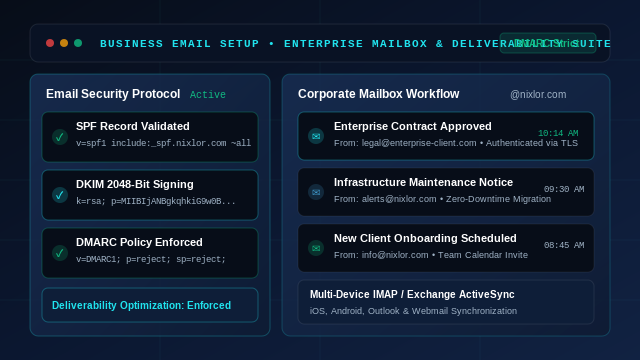
We set up and configure business email accounts using your official domain name on proven corporate platforms including Google Workspace and Microsoft 365. We configure essential email authentication records (SPF, DKIM, DMARC) so your messages reach recipient inboxes instead of spam folders, and we guide your team on accessing email across desktop and mobile devices.
Key Deliverables & Specifications
Ideal Client Profile
New companies establishing their communication infrastructure and established businesses upgrading to professional corporate email.
Delivery Methodology
Ready to scope this project?
Receive a detailed architecture plan, timeline, and deliverables breakdown.
Consult EngineeringFrequently Asked Questions
Can we keep our existing email history when migrating to a new platform?
Yes. In most cases, existing mailboxes, folders, and message histories can be migrated to your new business email service.
What are SPF, DKIM, and DMARC records and why do they matter?
These are email authentication records added to your domain DNS. They verify that outgoing emails legitimately come from your business, protecting your domain from spoofing and helping prevent your messages from being marked as spam.
Ready to build with business email setup?
Our engineers will review your business requirements, recommend modern tech stacks, and deliver a production-ready solution.